A mockup from your own photo is a presentation image where your real design file is placed onto a photograph and takes its perspective, light and shadows, so it looks photographed rather than pasted.
No PSD to prepare
In Photoshop, a photo becomes a mockup only after work: a smart object, a warp, displacement, masks, a heavy file for each scene. In Muckup the photo is the mockup. You open it as it is, set where the surfaces are, and it is ready.
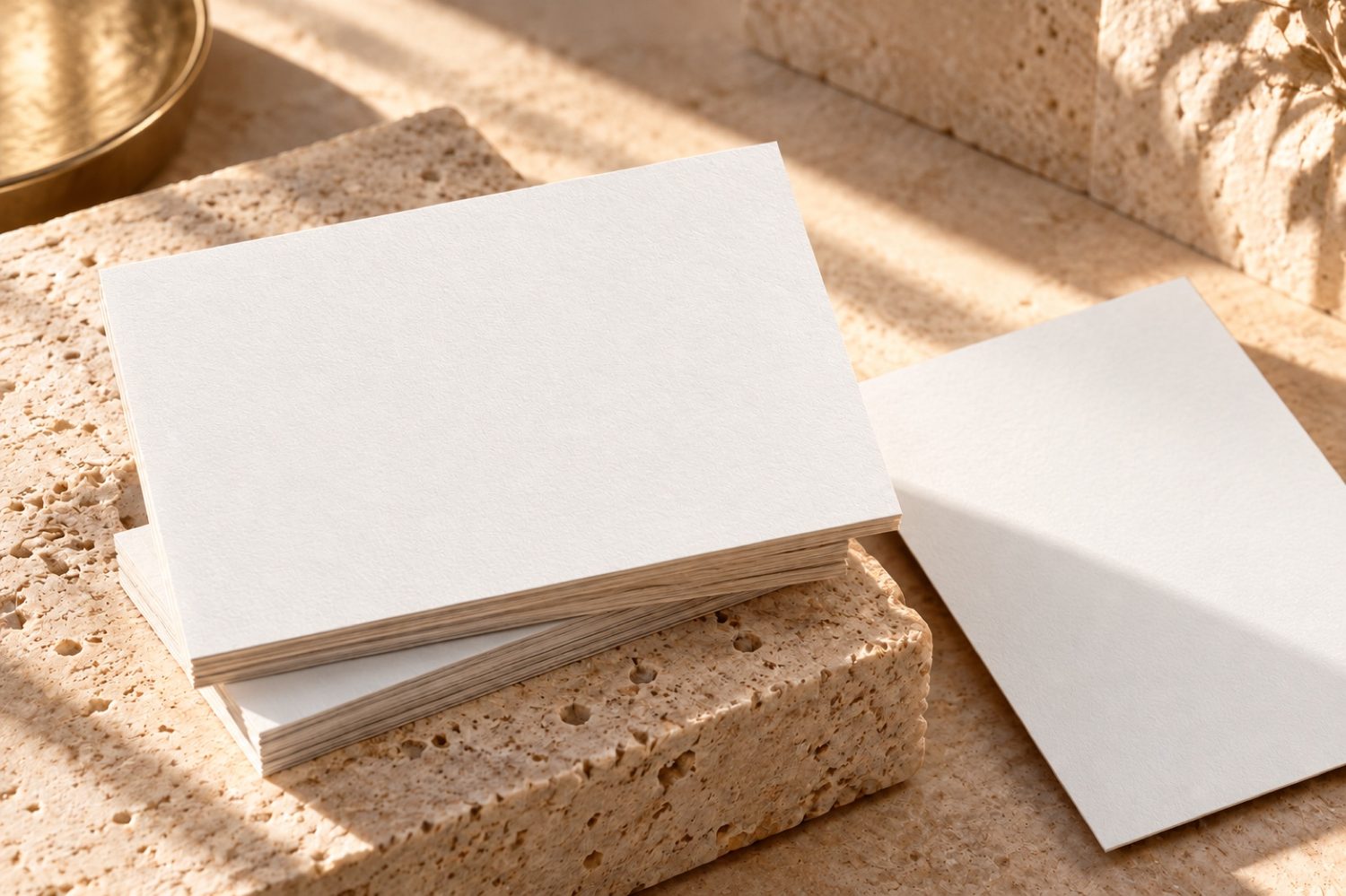
The setup lives in the photo
Muckup writes the setup (surfaces, format, masks, light) into the image file's own metadata, without touching its pixels. There is no side file to keep next to it, and a JPEG stays a light JPEG.
Set it up once
Open the photo in any project and place the surfaces.
Copy it to the next client
Drop the same photo into another client's Mockups folder, or keep it in Favorite Mockups.
It opens ready
The surfaces are already there. Drop the new client's design and export.
Over time your scenes become a library of ready mockups that nobody else has, built from your own photos.
Set the surface in seconds
- Surface detection. Muckup looks for cards, sheets and panels in the photo and proposes layers. You can run it again at any time.
- Perspective. Four corners, and the design follows the plane. Handles in the middle of the edges stretch one side without breaking the perspective.
- Formats. Business card, A4, 16:9 and your own formats in millimetres, kept for all your projects.
- Shapes. Standard for flat surfaces, Curved for paper that lifts, Fabric for folds, Cylinder for cans and bottles.
- Masks. Brush, eraser, rectangle and pen for whatever passes in front: a hand, a cup, a shadow.
The photo keeps its light
The design is lit by the photo. Hollows darken it and highlights lift it, with three handles to set how much. The Ink slider lets the light brighten the blacks, the way real ink sits on paper. On fabric, the design follows the folds it reads in the picture.
Generated scenes work too
A scene from an image generator is a flat picture: there is no smart object to open. Muckup treats it like any photo. When the scene already has fake text printed on it, Erase original print removes it and keeps the paper's light and edges, so your real design sits on a clean surface.
Drop, paste, done
Drag images from the Finder or paste them with ⌘V. Muckup files each one in the right folder of the project. Photos go to Mockups, artwork goes to Designs. PNG, PDF, SVG and JPEG designs are accepted. Existing PSD mockups can be imported too.
Set up a photo once. It is ready for every client after.